VS Code extension
Workspace Color
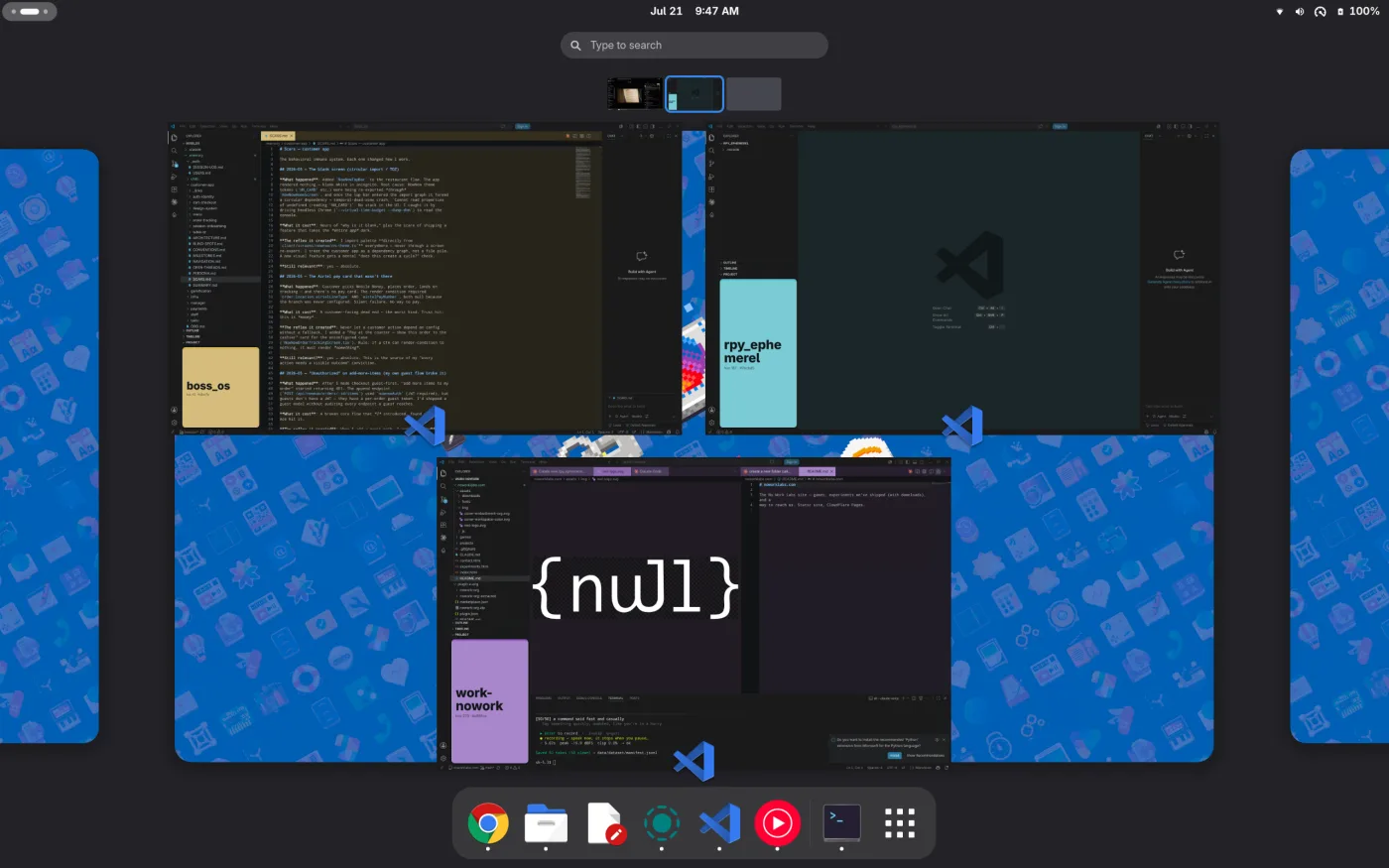
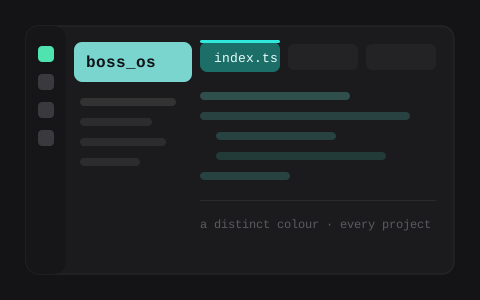
Several VS Code windows all look identical. Workspace Color gives each project a distinct, tasteful tint on its editor and tabs — plus a big project-name box in the Explorer — so a glance tells you where you are.
🌈
Auto per-project color
A distinct pastel hue derived from each folder — stable, unique, zero setup.
🏷️
Explorer name box
A large, colored project-name banner pinned above your file tree.
🎚️
Activity-bar panel
A live swatch with a rainbow picker, shuffle, and intensity slider.
🖌️
Tasteful by default
Tints editor + tabs, leaves your theme's chrome alone.
🧭
Cross-platform
Pure JavaScript, no native deps — macOS, Linux, Windows.
🔒
Local & private
Writes only its own keys into your workspace settings.
- Download the
.vsixabove. - Install it:
code --install-extension workspace-color-0.2.0.vsix, or in VS Code Extensions → “…” → Install from VSIX… - Reload the window — each project gets its color automatically.
Make it yours: open the droplet icon in the activity bar to pick a color, shuffle, or adjust intensity — or set an exact hue in settings under workspaceColor.